
Before you begin
Use the Facebook profile that has access to the business and ad account you want to review. You also need an AutoAdy workspace. New eligible workspaces start through a card-required trial: review the charge and renewal terms before checkout.Connect and review
- Sign in to AutoAdy. Complete the setup questions and checkout if prompted.
- In onboarding, select Connect with Facebook. In Meta’s permission screen, select the correct business and ad account, then authorize the requested access.
- Back in AutoAdy, select the account or accounts to analyze and choose Continue. Available capacity is shown by the product.
- If asked for a target, enter a result target you actually use. You can skip it if you do not know it yet; avoid inventing one just to complete setup.
- Open Meta Ads → Overview. Confirm the account name, reporting period, currency, and Reporting details. Choose a useful period such as 7 days or 30 days.
- Open Campaigns, Ad sets, or Ads to inspect the entities behind the totals. Open Intelligence to review findings and supporting evidence.
Walk through the screens
These screens use fictional example data. Follow the controls with your own account and check each stage.- 1. Connect
- 2. Select account
- 3. Review results
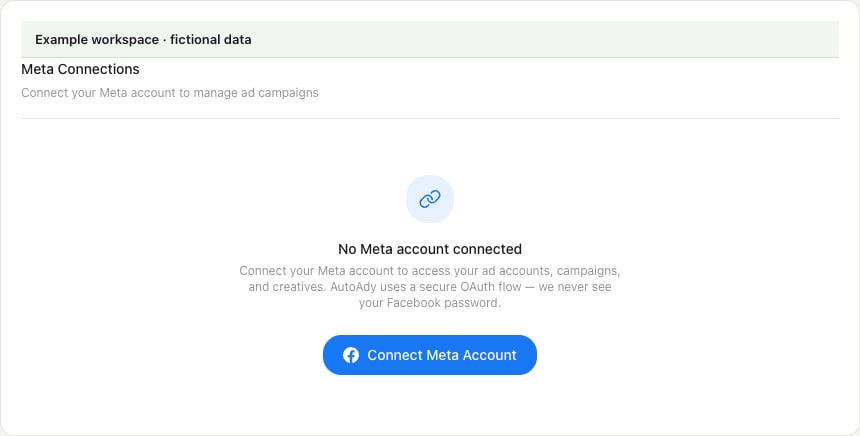
Begin in Settings → Connections with Connect Meta Account.
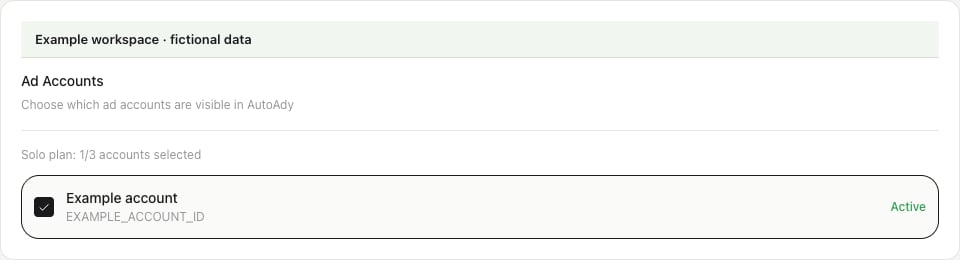
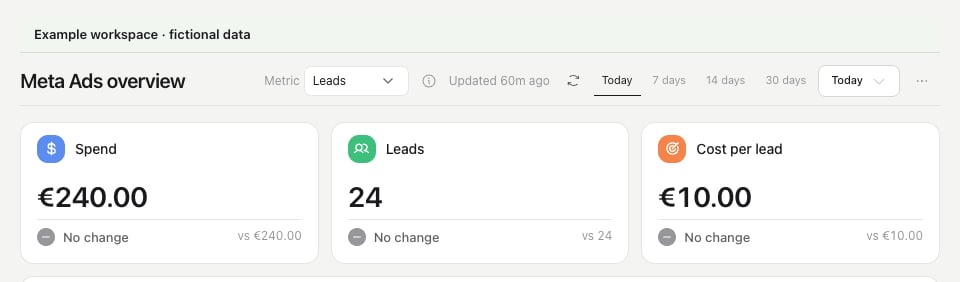
Finish the first review
- The sidebar shows the intended account; its ID and currency match the connection you selected.
- The report uses the intended dates and shows when data was fetched.
- You can trace a total to the account’s campaign, ad-set, or ad rows, or the page clearly shows that the selected period has no activity.
- Any connection, coverage, or freshness warning has a next step before you use the numbers.
If setup stops
- No account appears: check the Facebook profile and business permissions, then reconnect Meta. Team members also need an account grant from their workspace owner.
- Connection was not completed: your onboarding answers are preserved. Try connecting again and review the selected permissions.
- Report looks empty or old: inspect the period and source time, then check freshness.
- You skipped connection: the example review can help you learn the flow, but it does not prove that your own account is connected.